


Top 5 Pop Music Applications and Tips
Music applications have completely transformed how we discover, organize, and listen to our favorite pop tracks. This guide breaks down the ultimate platforms available today while offering essential tips to help you get the absolute most out of your daily listening experience.
Many pop music fans use apps to enhance their listening and creative experiences. You can discover chart-topping tracks, produce beats, or improve vocal performance with the right tools. Some apps offer real-time feedback, while others expose you to dangerous audio levels if misused. Choose wisely to enjoy maximum benefit safely.
Spotify: The Great Algorithmic Beast
How Spotify Learns Your Taste
You’ve likely noticed how quickly Spotify begins to feel personal-like it knows you better than you know yourself. That’s because every song you skip, replay, or save feeds into a massive machine-learning system that maps your preferences in real time. The platform tracks not just what you play, but when, where, and how often. Over time, it builds a behavioral fingerprint so detailed that it can predict what you’ll want to hear before you even search for it. This level of personalization is powerful, but it also means your listening habits are constantly being analyzed and stored.
The Power of Playlists Like Discover Weekly
One of Spotify’s most celebrated features is Discover Weekly, a playlist that refreshes every Monday with 30 songs tailored just for you. It’s not random-each track is selected based on your listening history, songs saved by users with similar tastes, and audio characteristics like tempo and key. What makes this feature stand out is its ability to surface obscure artists you’ve never heard of but instantly love. Many independent musicians credit this playlist with launching their careers, proving that Spotify’s algorithm can be a career-making force in the music industry.
The Echo Chamber Effect
Your feed becomes more refined the longer you use Spotify, but there’s a downside: you might stop discovering music outside your comfort zone. The algorithm favors consistency, so if you listen mostly to indie rock, it will keep feeding you variations of that sound. This creates a self-reinforcing loop that limits exposure to new genres or cultural movements. While convenient, this echo chamber can dull your musical curiosity. To break free, you’ll need to actively seek out playlists or artists that fall outside your usual patterns.
Mastering Your Spotify Experience
You’re in control more than you think. By giving songs full listens, saving tracks to playlists, and following artists, you send clear signals to the algorithm about what you value. Skipping a song in the first 30 seconds tells Spotify you’re not interested-use that power wisely. For better recommendations, spend time rating songs indirectly by replaying favorites or adding them to custom playlists. The more intentional you are, the more accurate and satisfying your recommendations become.
Privacy and Data Use
Spotify collects extensive data to fuel its recommendations, and while this enhances your experience, it raises questions about how your information is used. Your listening history, location, and device type are all part of the profile they maintain. Though Spotify claims this data is anonymized and used only to improve service, the reality is that your habits are a valuable commodity. Be aware that using free tiers often means your data plays a role in targeted advertising. If privacy matters to you, consider reviewing your settings and limiting data sharing where possible.
Apple Music: The Polished Empire of Cupertino
Design and User Experience
You notice the clean interface the moment you open Apple Music-every icon, font, and animation reflects Cupertino’s obsession with aesthetic precision. Navigation feels intuitive, not because it’s flashy, but because it’s predictable in the way only years of refinement can achieve. Whether you’re browsing curated playlists or digging into album art, the experience remains consistent across iPhone, iPad, Mac, and even Android. This level of polish doesn’t happen by accident; it’s the result of tight hardware-software integration that few competitors can match.
Music Library and Catalog Strength
With over 100 million tracks available, Apple Music gives you access to one of the most comprehensive music libraries on the market. You’ll find deep cuts, international releases, and high-resolution audio options that cater to audiophiles and casual listeners alike. Spatial Audio with Dolby Atmos is a standout feature-when paired with compatible headphones, it transforms how music surrounds you. The catalog’s strength lies not just in volume, but in thoughtful curation from real human editors, ensuring you discover music that resonates, not just what’s trending.
Integration Across Devices
Your listening experience flows effortlessly between devices, thanks to iCloud Music Library syncing your entire collection in real time. Start a song on your iPhone during your commute, and it picks up exactly where you left off on your HomePod when you walk in the door. This ecosystem advantage is Apple’s most powerful differentiator-it removes friction so completely that you barely notice it working. For users already invested in Apple hardware, this level of cohesion becomes a silent but compelling reason to stay.
Pricing and Subscription Options
You pay a standard $10.99 per month for an individual plan, with family plans supporting up to six members for $16.99. Students get a discounted rate, making it one of the more affordable premium options when shared. While the price is competitive, the real value comes from what’s included: lossless audio, Spatial Audio, and access to Apple’s growing catalog of live radio shows like Apple Music 1. There’s no free tier, which means you must commit financially to test the full experience-a barrier some may find limiting.
Limitations and Drawbacks
You might find the recommendation engine less aggressive than Spotify’s, relying more on editorial picks than algorithmic discovery. If you thrive on surprise and serendipity, Apple Music can feel a bit too restrained. Offline listening works well, but downloading large libraries can consume significant storage-especially with lossless enabled. Also, third-party app integration remains limited, so if you depend on fitness or podcast apps syncing tightly with your music, you may hit frustrating walls.
YouTube Music: The Visual Hallucination

Unlimited Access with a Visual Edge
You already know music streaming is everywhere, but YouTube Music stands out by blending audio with video content seamlessly. Unlike platforms that focus solely on sound, this app pulls from YouTube’s massive library, giving you official tracks, live performances, remixes, and even fan-made visuals-all in one place. When you search for a song, you’re not just hearing it; you’re often seeing it, which can deepen your connection to the music. The integration means rare recordings or concert footage might appear alongside studio versions, offering a richer experience than audio-only services.
Personalization That Learns Your Taste
Your listening habits shape the app’s recommendations, and the algorithm adapts quickly to your preferences. Whether you’re into underground pop remixes or mainstream hits, YouTube Music curates playlists like “Your Mix” and “Discover Mix” that evolve weekly. You’ll find new artists that match your vibe without needing to search manually. Background play and offline downloads are available with a Premium subscription, removing ads and letting you enjoy uninterrupted sessions-even when you switch to another app.
Community Insights and Hidden Gems
Curious what other listeners think or where certain tools stand among professionals? Check out discussions like Must have apps for musicians? to see real-world feedback. Musicians and fans share tips on maximizing YouTube Music for inspiration, discovering samples, or studying performance techniques through video. These threads often reveal overlooked features, like using timed comments to pinpoint standout moments in live tracks.
Watch Out for Data Usage
Streaming video content comes at a cost-your mobile data. Playing music with visuals enabled can consume data rapidly, especially over cellular networks. To avoid surprise charges, download playlists over Wi-Fi or switch to “audio-only” mode when connectivity is limited. This small adjustment keeps your experience smooth without draining your plan. Treat this setting like a tool: use visuals when they enhance your listening, not when they distract or slow things down.
TikTok: The Fifteen Second Hit Factory

How Viral Sounds Launch Careers
You’ve seen it happen-songs you’ve never heard before suddenly dominate your feed, then appear on global charts weeks later. TikTok’s algorithm rewards short, catchy audio clips that gain traction quickly, turning unknown artists into overnight sensations. A 15-second snippet of your chorus can spark thousands of user-generated videos, creating momentum no traditional marketing campaign could match. The platform doesn’t care if you’re signed or independent; what matters is whether your sound grabs attention in the first three seconds.
Mastering the Hook-First Approach
Your music must be designed for instant impact. Listeners decide whether to engage within seconds, so structure your tracks with the strongest hook at the very beginning. Forget slow builds or long intros-TikTok favors bold, immediate energy. Test different versions of your song by uploading short clips to see which one gets the most saves and shares. The data you gather here can shape not just your TikTok strategy, but your entire production style.
Avoiding the Algorithm Trap
Chasing trends too closely can backfire. While jumping on a viral challenge might get you views, relying solely on imitation limits long-term growth. The algorithm promotes originality when it’s wrapped in familiarity-your sound should feel fresh but still fit within a recognizable pattern. Use trending audio as inspiration, not a template. When you add your unique twist, you stand out without losing relevance.
Building a Fanbase Beyond the Feed
Every video you post is a chance to convert casual listeners into loyal fans. Include clear calls to action in your captions and on-screen text, like “Tap to follow for more” or “New track dropping Friday.” Link your music in your bio and update it regularly. Treat your TikTok profile like a living portfolio-curate it with intention, showcasing your evolution as an artist, not just your latest clip.
Timing and Consistency Win the Game
Posting once and hoping for magic rarely works. Regular uploads increase your odds of hitting the For You Page, where discovery happens at scale. Aim for at least three high-quality posts per week, each featuring a different angle of your music-behind-the-scenes clips, dance challenges, or lyric snippets. Consistency builds recognition, and recognition builds trust. The more familiar your face and sound become, the more likely users are to engage when your next track drops.
Tactical Maneuvers for the Sonic Frontier
Mastering Real-Time Audio Routing
You control the flow of sound the moment you map your audio paths with precision. Routing errors can permanently damage output quality, especially when chaining multiple virtual instruments. Use dedicated routing software like Loopback or Audio MIDI Setup to isolate tracks and prevent latency spikes. You’ll notice cleaner mixes when each signal has its own lane, free from crosstalk or buffer conflicts. Never assume default settings are optimal-test each route with a tone sweep before recording.
Exploiting Latency to Your Advantage
Latency isn’t always the enemy; sometimes it becomes your creative tool. By intentionally delaying certain layers-like backing vocals or synth arpeggios-you create depth that feels organic. Delays under 12ms are perceived as part of the original sound, enhancing presence without muddiness. Use this window to stack rhythmic elements that lock into the groove rather than fight it. You’ll find that small timing offsets can make a track breathe in ways perfect quantization never can.
Dynamic Plugin Chain Sequencing
Order defines outcome when stacking effects. Placing a saturator before compression yields a warmer, more controlled signal than the reverse. Putting reverb early in the chain can drown your mix if not sidechained properly. You should audition each permutation with soloed stems to hear how dynamics shift. Rotate the sequence based on the emotional intent-aggression favors distortion upfront, while ethereal tones benefit from delay preceding modulation.
Automating Parameter Swells for Emotional Peaks
Build tension by automating subtle changes across long passages. A slow rise in filter cutoff or stereo width can pull listeners into a chorus without relying on volume alone. Over-automation risks listener fatigue, so limit sweeping moves to one or two elements per section. You’ll maintain clarity while still delivering the emotional lift modern pop demands. Trust your ears: if the swell feels predictable, shift the curve to surprise the listener.
Hijacking Ambient Noise as Texture
Your environment holds untapped sonic material. Room tone, keyboard clicks, or distant traffic can be recorded, reversed, and pitch-shifted into atmospheric beds. These organic layers add human contrast to synthetic arrangements, grounding glossy productions in reality. Process them through granular plugins to stretch milliseconds into evolving pads. You’re not capturing noise-you’re harvesting texture only your space can provide.
Final Words
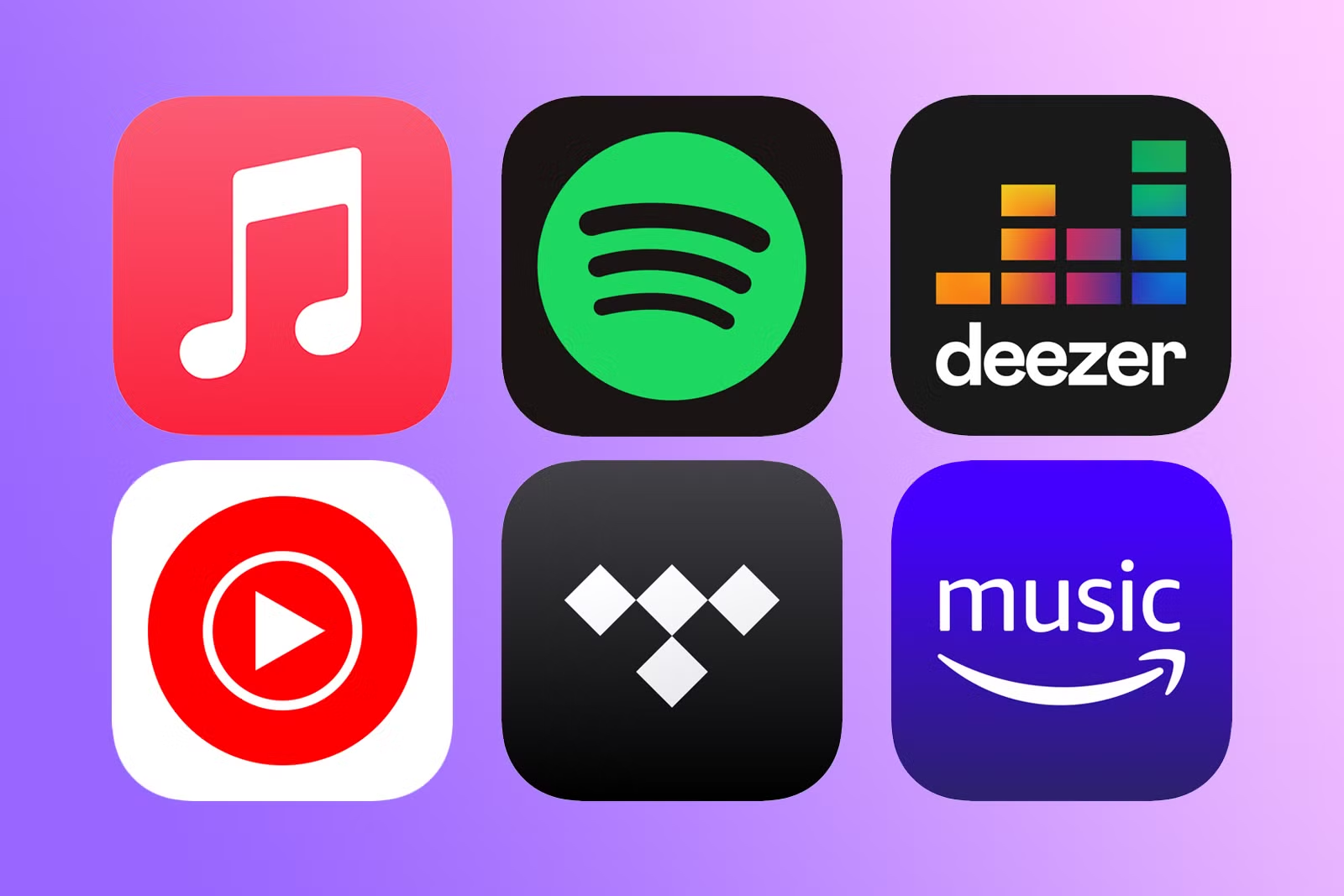
On the whole, the top five pop music applications have transformed how you discover, organize, and enjoy your favorite tracks. Apps like Spotify, Apple Music, YouTube Music, SoundCloud, and Amazon Music each offer unique tools tailored to your listening habits, from personalized playlists to offline access. You now hold the power to shape your audio experience with precision and ease.
By applying practical tips-curating smart playlists, using offline modes wisely, exploring algorithm-driven recommendations, adjusting audio quality, and syncing across devices-you maximize both enjoyment and efficiency. These strategies are not hidden secrets but accessible methods that refine your daily interaction with music.
Your relationship with pop music grows richer when you use these apps intentionally. The best results come not from simply streaming, but from engaging thoughtfully with the features at your disposal. You already have the tools; now it’s about using them with purpose.
FAQ
Q: What are the top 5 pop music applications for streaming and discovering new hits?
A: The most popular pop music apps include Spotify, Apple Music, YouTube Music, Amazon Music, and TikTok. Spotify offers personalized playlists like “Today’s Top Hits” and algorithm-driven recommendations based on listening habits. Apple Music provides curated pop charts and live radio shows like Beats 1. YouTube Music combines official tracks, live performances, and fan-made content, making it easy to explore trending pop videos. Amazon Music delivers high-quality streaming with a strong pop catalog, especially for Prime members. TikTok has become a major force in breaking new pop songs through short-form video trends, often launching tracks into global charts.
Q: How can I use these apps to discover new pop songs before they become mainstream?
A: Start by following official genre playlists such as Spotify’s “Pop Rising” or Apple Music’s “New Pop Now.” These are updated weekly and highlight emerging artists and upcoming hits. Enable notifications for new releases from your favorite pop artists. On TikTok, explore the “Discover” page and search hashtags like #NewPop or #PopVibes to find tracks gaining traction in user videos. YouTube Music’s “Trending” tab shows which pop songs are surging in views. Turning on autoplay and letting the app suggest similar tracks after a song ends can also lead to unexpected but popular new finds.
Q: What are some practical tips for getting the most out of pop music apps on a daily basis?
A: Create custom playlists for different moods or activities, like “Morning Pop Energy” or “Workout Hits,” and update them weekly with fresh tracks. Use offline mode to download your favorite playlists when Wi-Fi is available, so you can listen without using data. Set up daily routines-many apps allow you to schedule music to play automatically at certain times, like a pop playlist during your commute. Share songs directly from the app to friends via text or social media to stay connected through music. Finally, rate songs by liking or disliking them; this helps the app refine future recommendations to better match your taste.